
Identity is preserved
Almost nothing here is text-to-image. Every shot is an edit of your real photograph, passed to the engine as the reference — shape, colour, material and logos stay exactly as they are. The scene changes; the product does not.
Shopify app
Pixxy restyles the product photos you already have — styled rooms, clean studio backdrops, close detail crops, on-model shots — and publishes them straight to your store.
Free to try. No photographer, no studio, no re-shoot.



How it works
Select one product, a whole collection, or a batch straight from your product list.
Browse a catalogue of shot types organised by industry, or describe your own in a sentence.
Every image appears beside the original. Keep what works, discard the rest — nothing is automatic.
Approved shots go onto the product or collection with alt text written for you.
Why it looks right
Almost nothing here is text-to-image. Every shot is an edit of your real photograph, passed to the engine as the reference — shape, colour, material and logos stay exactly as they are. The scene changes; the product does not.
Apply one look across a batch of products so a whole collection reads as a single photoshoot rather than fifty separate ones.
Every publish is recorded and reversible in one click, and the original media on your product is never touched.
Looks
Styled rooms, studio backdrops, flat lays, detail crops, on-model shots and collection banners. Every image below was made by Pixxy.
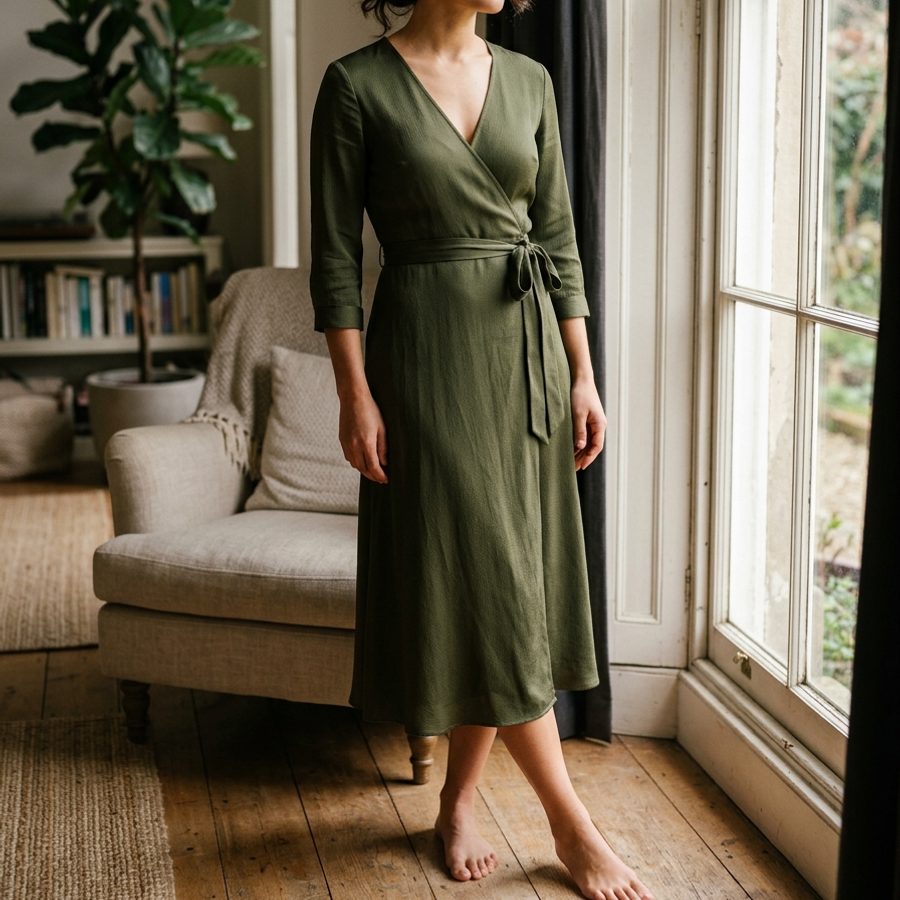 On model
 In use
 Detail
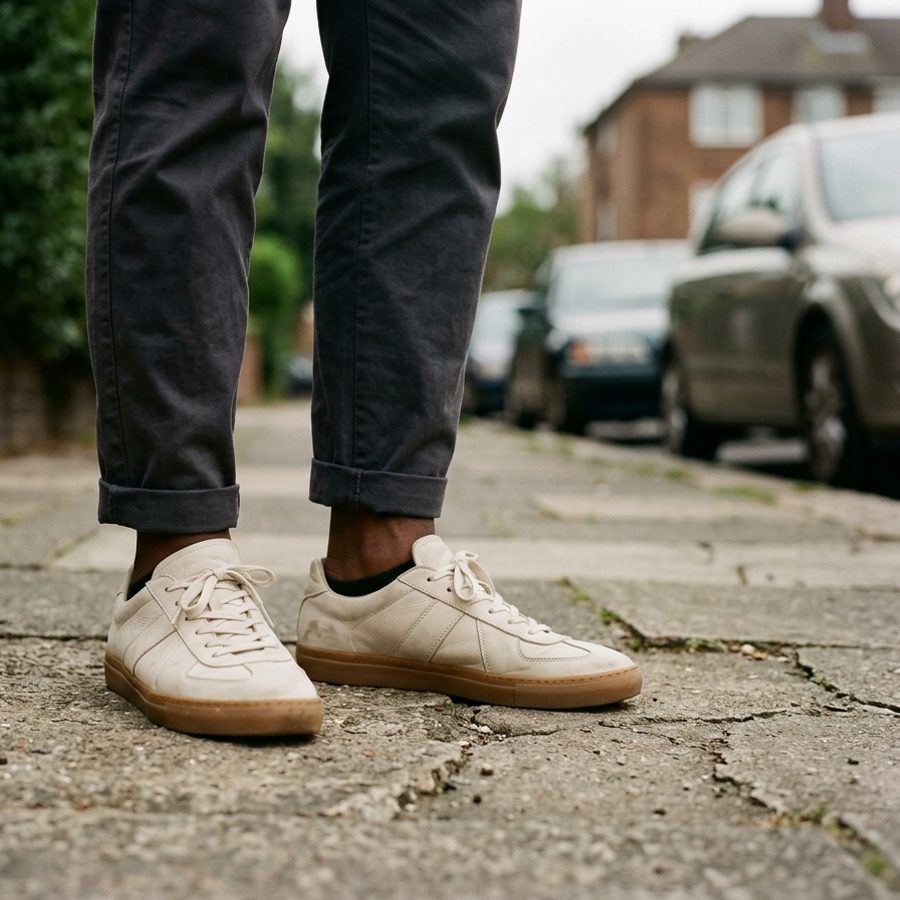 Lifestyle
 In situ
 In situStudioOutdoor
Pricing
Every plan is one number: credits a month. Spend them on whatever mix of images and video you like — the rate card is below.
$0
Enough to see what it does to your own products.
10 credits to try it
$19/month
A steady trickle of new products.
100 credits a month
$99/month
A catalogue you are actively building out.
1,000 credits a month
$199/month
Seasonal drops across a large catalogue.
2,000 credits a month
Credits reset at the start of each billing cycle and don’t roll over. Plans are billed through Shopify and appear on your normal Shopify invoice.
FAQ
No. Your photograph is passed to the engine as the reference, so shape, colour, material and logos are held fixed — only the scene around the product changes. Every result is shown next to the original before you publish anything.
Yes. You keep the rights to your source photos, and generated images are yours to use commercially — storefront, marketplaces, ads. They carry an invisible SynthID watermark identifying them as AI-generated, which we don't remove.
They're read from Shopify at generation time and not stored by us. The model provider runs with retention disabled, so nothing is kept for training. Generated images you never publish are deleted after 30 days.
Never. Nothing reaches your catalogue until you approve it, and every publish is reversible in one click — including the collection image it replaced.
Discard it. Be aware that generating spends the credit whether or not you publish, since the work has already been done. Credits are returned automatically when a generation fails on our side.
Any time, from your Shopify admin, like any other app subscription. Uninstalling stops all processing and your stored images are deleted after a 30-day grace period.
Install Pixxy and generate your first images in a couple of minutes.
Install on Shopify